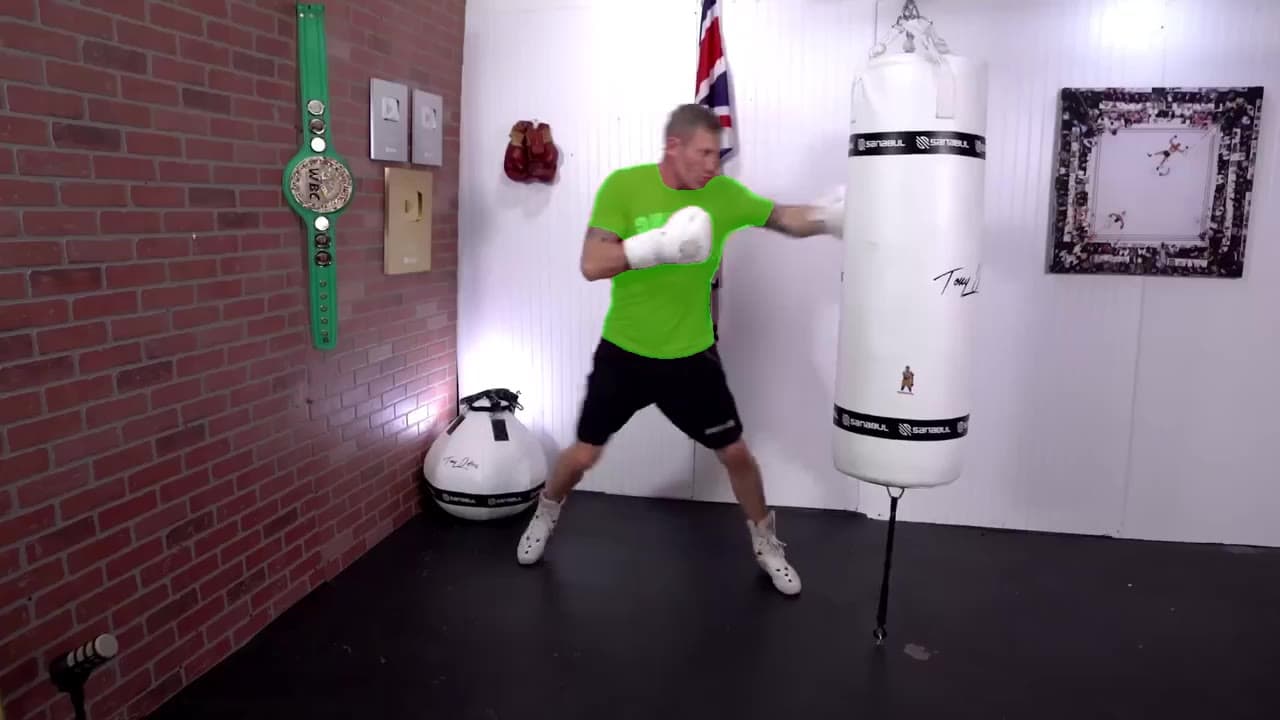
In the moment
Visual reference

Darwin Video Replication
Start with a video you admire. Shape a new version for your audience, align on the creative direction, and keep the people, rights, and approvals connected.
Explore a project


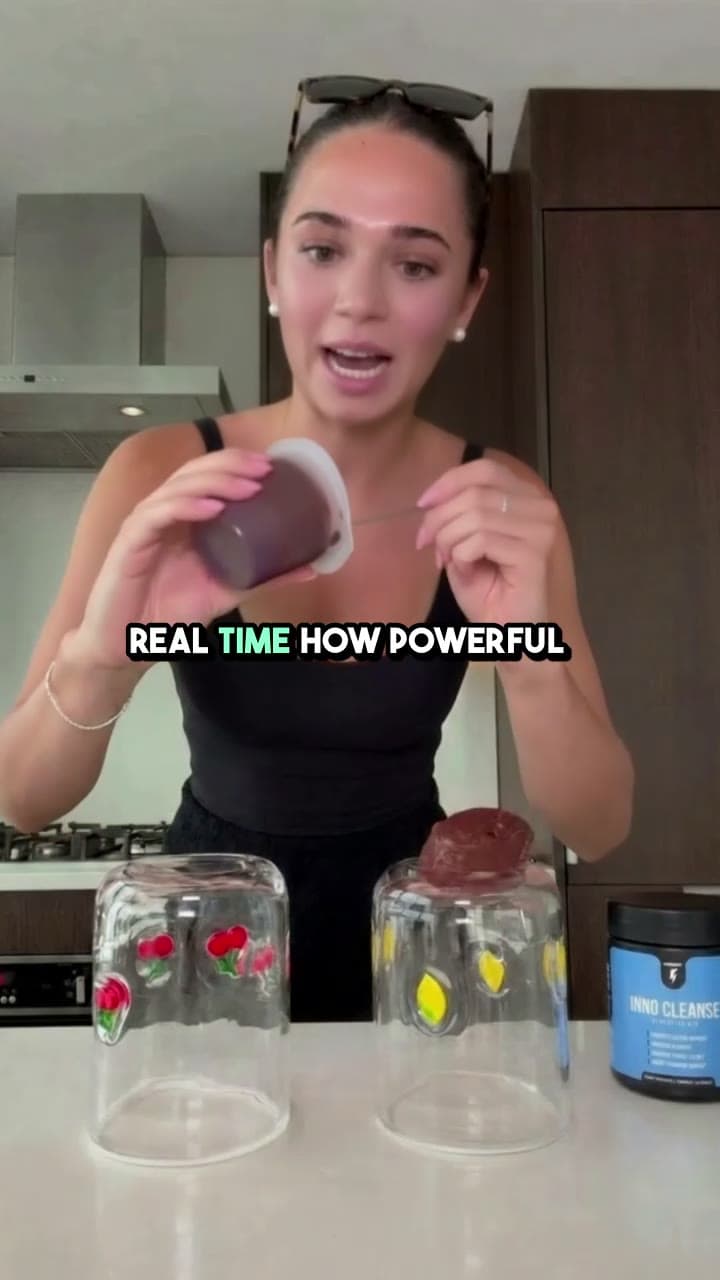
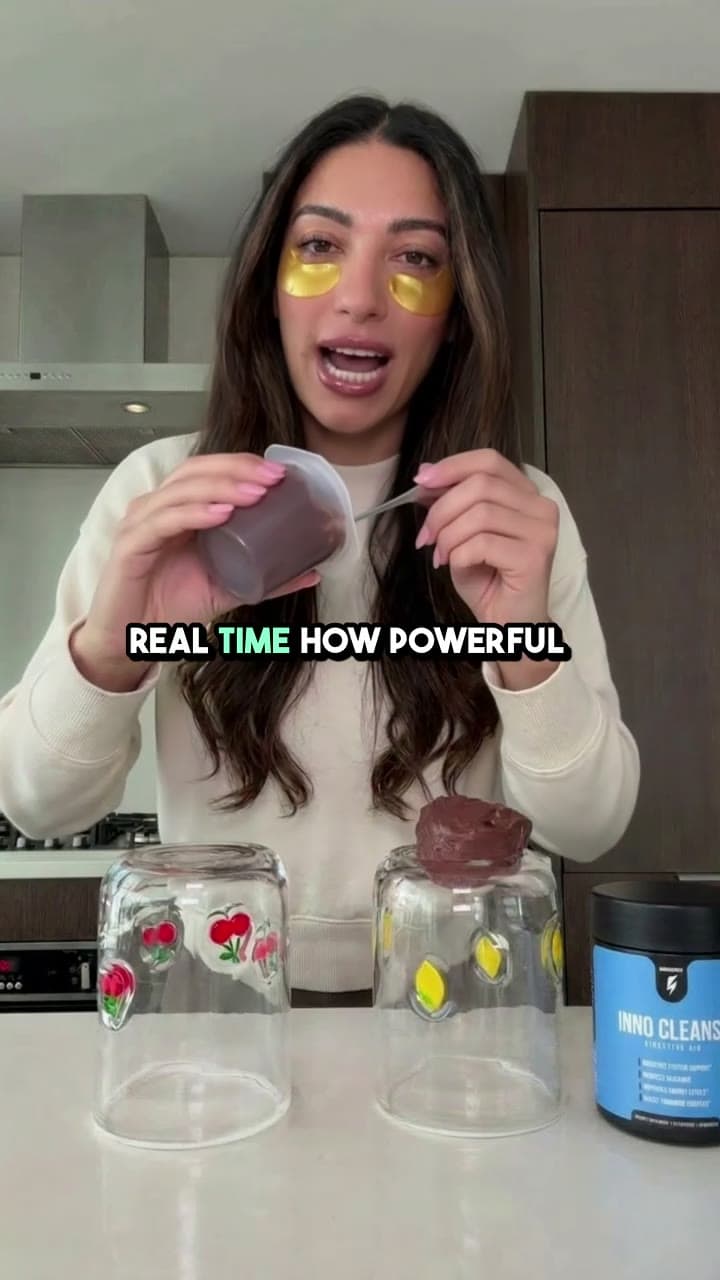
Illustrative workflows and video examples. Availability and scope are confirmed with our team.
Explore references, compare directions, and see how a familiar idea can become something made for a new context.
In the moment
Visual reference
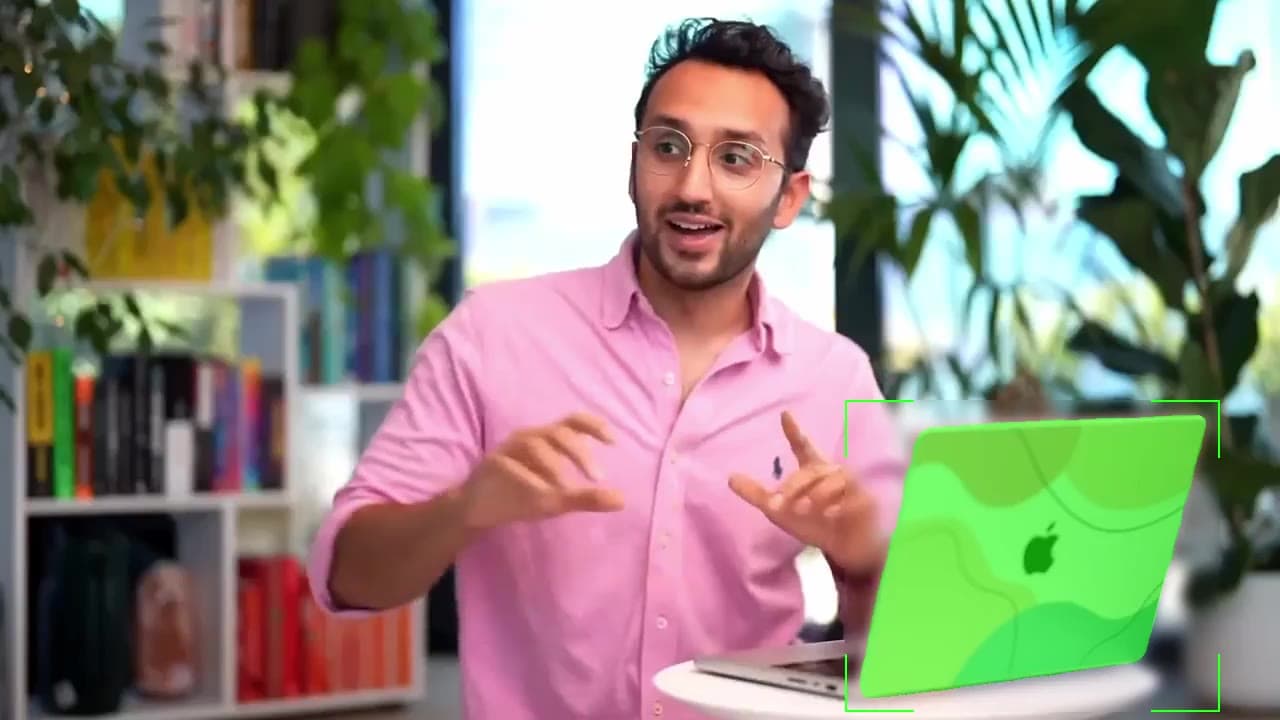
A natural fit
Visual reference
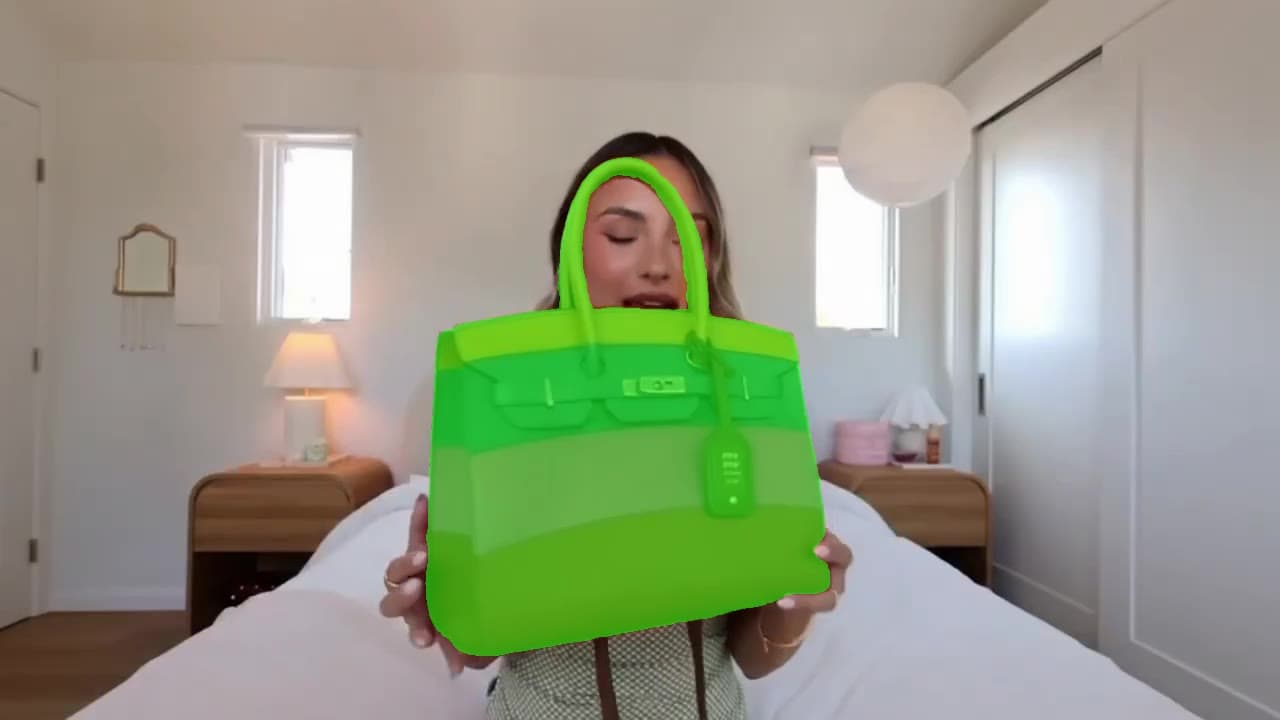
Part of the story
Visual reference
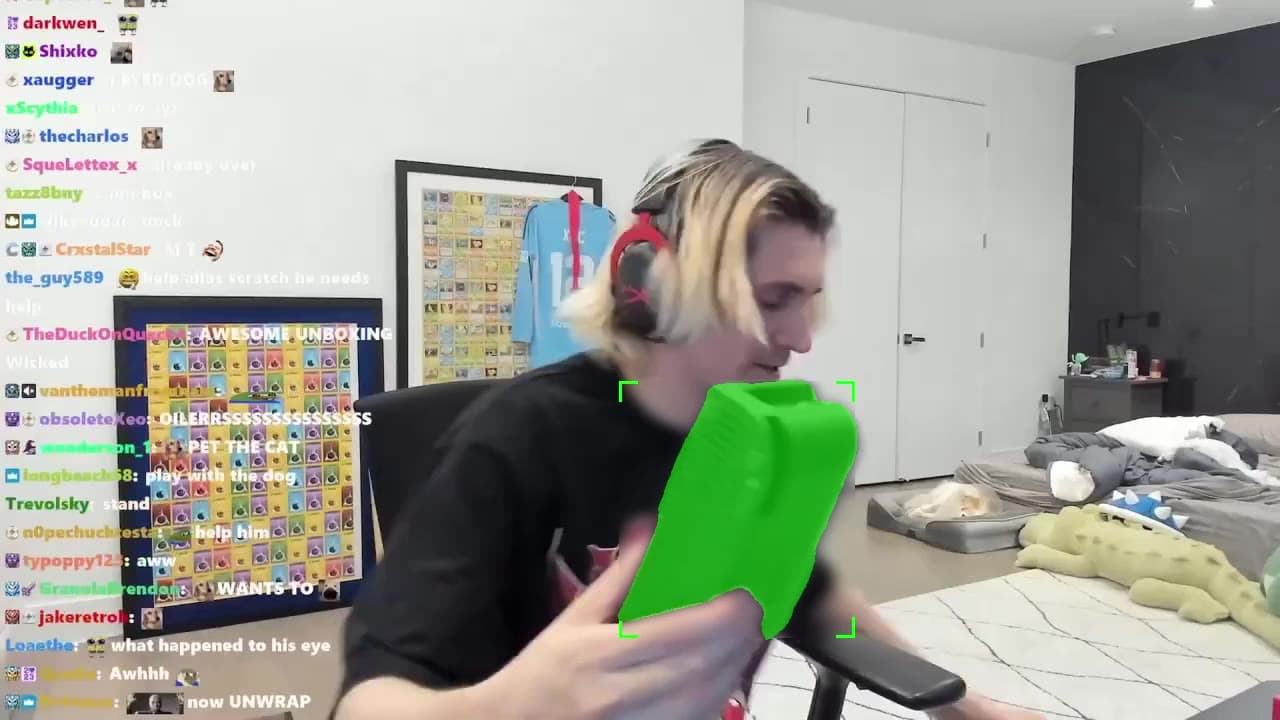
Live in the scene
Visual reference
Everyday energy
Visual reference
One more take
Visual reference
One more take
Visual reference
Everyday energy
Visual reference
Live in the scene
Visual reference
Part of the story
Visual reference
A natural fit
Visual reference
In the moment
Visual reference
Use a reference to describe the pacing, framing, or feeling you want to carry into a new version.
Shape a fresh version around your brief, the creator, and the audience it needs to reach.
Bring the reference, creative direction, rights, and approvals into the same conversation before a new version goes live.
Keep the same context as a project moves from a reference to a proposed version, creator review, and final delivery.
Start with a source of inspiration, your goal, and creative boundaries.
Compare possible approaches for a new version made for your audience.
Confirm the people, permissions, and delivery evidence before it runs.
This illustrative workflow starts with a reference video and helps shape a new version for a different brief, format, or audience. The creative direction and proposed result remain subject to review.
A reference helps communicate a style or structure. Any source footage, likeness, music, or other protected material needs the appropriate rights and approvals before it can be used.
That is the intended workflow: agree on the reference and scope, review the proposed version, then confirm the people, permissions, and delivery requirements.
The examples on this page are illustrative. Contact the Darwin team to confirm availability, supported formats, and the right workflow for your project.
Tell us what you want to make. We’ll help you find the right workflow.
Contact DarwinExplore Video Editing ↗