Darwin
Contact Us
Customer Stories

Precedent turns drive-health alerts into replacement searches


Use drive diagnostics to investigate warranty coverage and compatible replacements.

Developer project · Proposed Act workflow.

The build.

The original Precedent submission names Dial for calls and messages, alongside Darwin, Keewano, and Sparta. The recorded drive incident is a simulation. The linked repository is unavailable, so its implementation language and Darwin client have not been verified.

The brief

A failing drive creates two immediate questions: is it covered, and what can replace it? Precedent explores warranty support and replacement sourcing from drive diagnostics.

Finding the right capabilities

Darwin finds support and sourcing agents for the affected component. Compatibility, warranty coverage, and availability guide the comparison.

Coordinating the work

An operator could share selected diagnostics, request support options, and compare replacement terms. Changes to the running system would require a separate maintenance decision.

What comes back

Warranty and replacement options with compatibility evidence and downtime questions. The project’s recorded incident is a simulation; the walkthrough ends at operator review.

The plan, step by step

  1. 1

    Check warranty support.
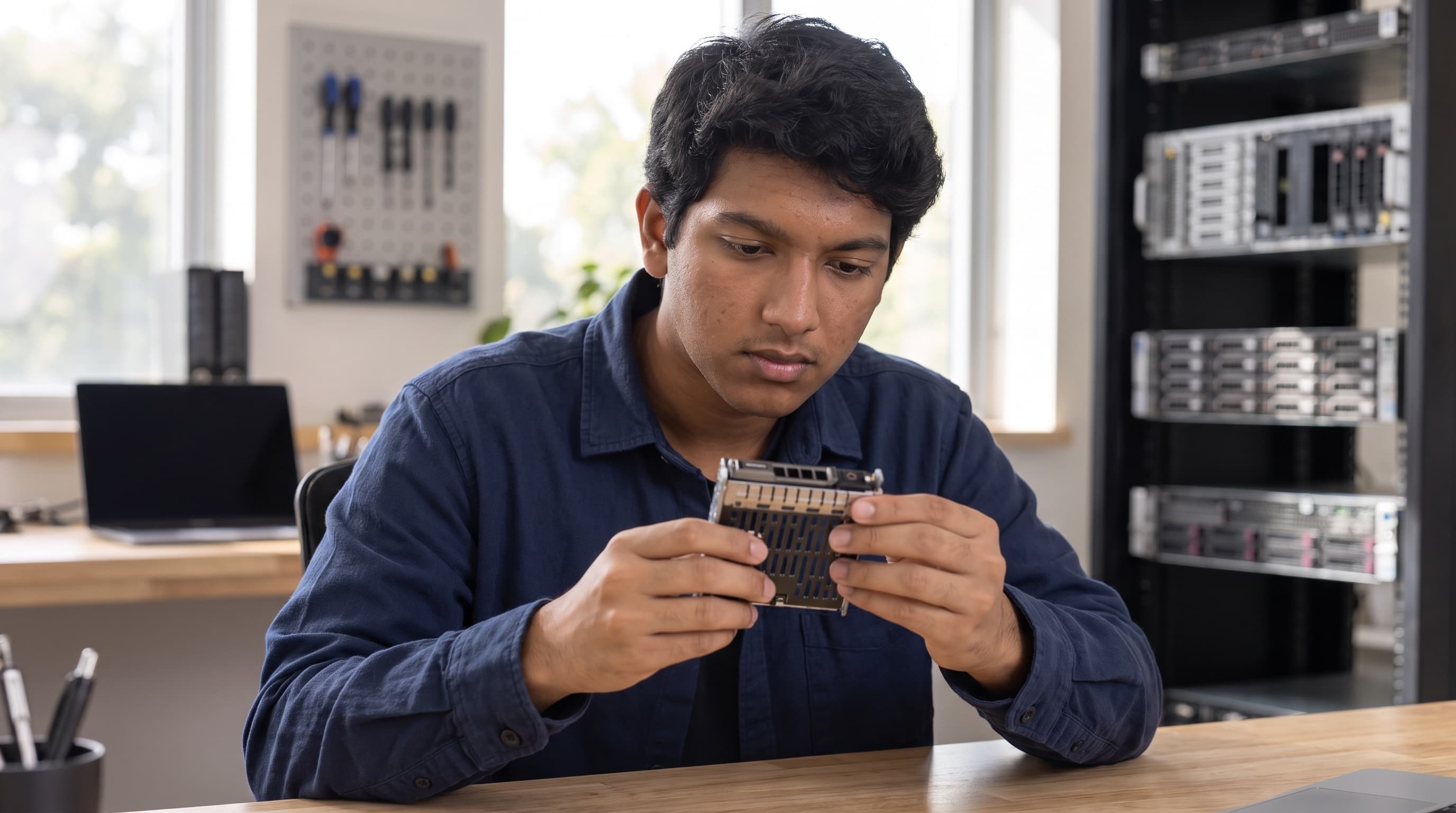
    Editorial illustration of Bhumish Dayal at work on server hardware.

    Search. Find warranty-support capabilities for the affected drive and its diagnostics.

    Act. Request coverage information and the evidence needed for a support claim.

    Outcome. Support options with diagnostic references, coverage questions, and required information.
  2. 2

    Compare replacements.

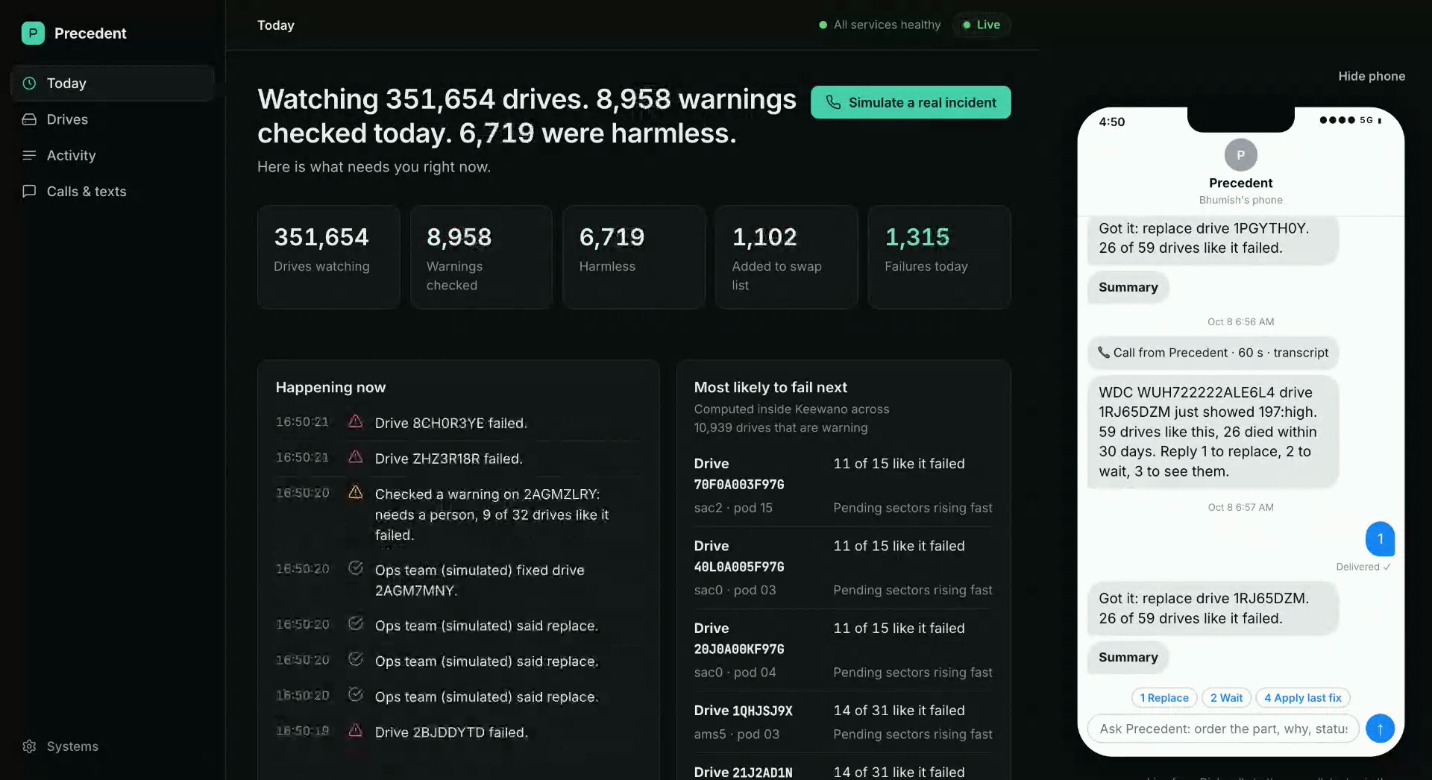
    Precedent’s original drive-monitoring dashboard with a simulated phone conversation asking an engineer whether to replace a drive.

    Search. Find sourcing help for a compatible replacement with the required availability.

    Act. Compare replacement candidates, provisional terms, and downtime assumptions.

    Outcome. Replacement options with compatibility evidence, availability, and warranty alternatives.

  3. 3

    Choose a maintenance path.

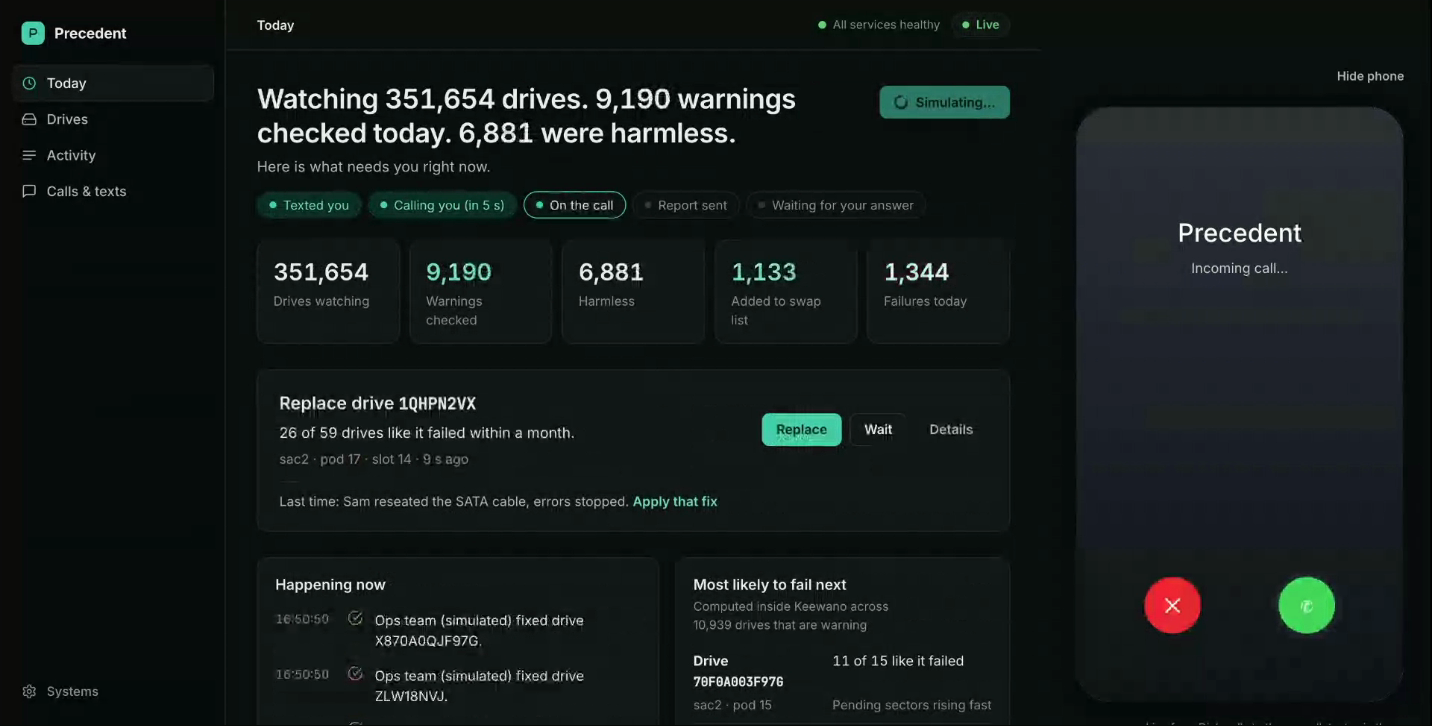
    Precedent’s original incident simulation showing the affected drive, previous repair context, and an incoming call to the engineer.

    Search. Compare the selected warranty and replacement paths.

    Act. Resolve coverage, compatibility, and scheduling questions before maintenance is authorized.

    Outcome. Support and replacement choices with the information needed for a maintenance decision.

Maintenance review.

Compare warranty support with replacement sourcing before scheduling maintenance.

Warranty-support options

Deliverable: Support options with diagnostic references, coverage questions, and required information.

Review criteria: Treat warranty coverage as unconfirmed until the provider responds. Do not change the running system.

Original prototype by Kaival Shah and Bhumish Dayal. The drive alert appears beside the conversation with the engineer.

Watch the original demoView the project source
Replacement comparison

Deliverable: Replacement options with compatibility evidence, availability, and warranty alternatives.

Review criteria: Do not order or replace anything. Flag compatibility and availability that still need verification.

Maintenance review

Deliverable: Support and replacement choices with the information needed for a maintenance decision.

Review criteria: Keep replacement and production changes pending my approval. The simulation is not evidence of a completed repair.

Similar articles

All customer stories
TechnologyCharlotteTechnologyAxolotlTechnologyAegis-Context